Working with the Jupyter Notebook
Once the FacebookPostsAnalysis has generated the Jupyter Notebook file, you can open and run it in a simple way. Just follow these steps:
- While located in the analysis folder, containing the .ipynb file, run the following command:
jupyter notebook
- In browser menu, choose the .ipynb file of the desired Facebook open group/page (based on ID in the file name),
- In Jupyter main menu, select Cell and Run All (as on the image below),
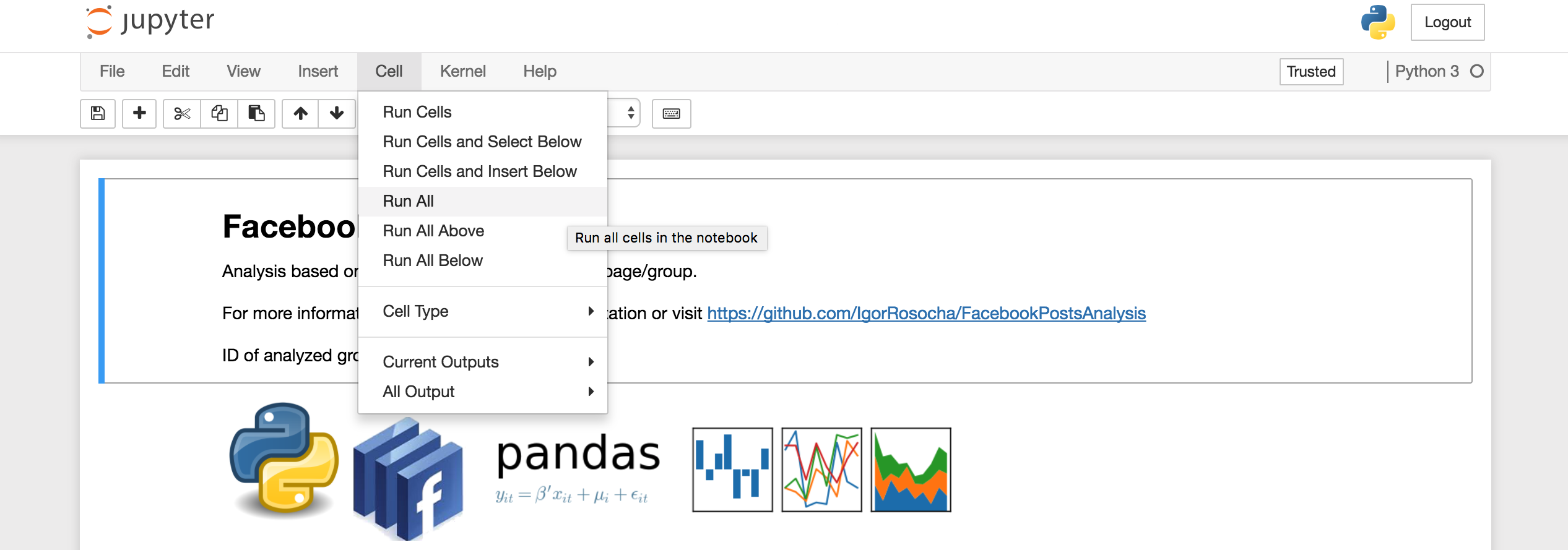
- Now you can browse the full analysis of the desired Facebook open group/page.
If you wish, you can proceed to the full API documentation.